Get the App
Your pet's passport, in your pocket.
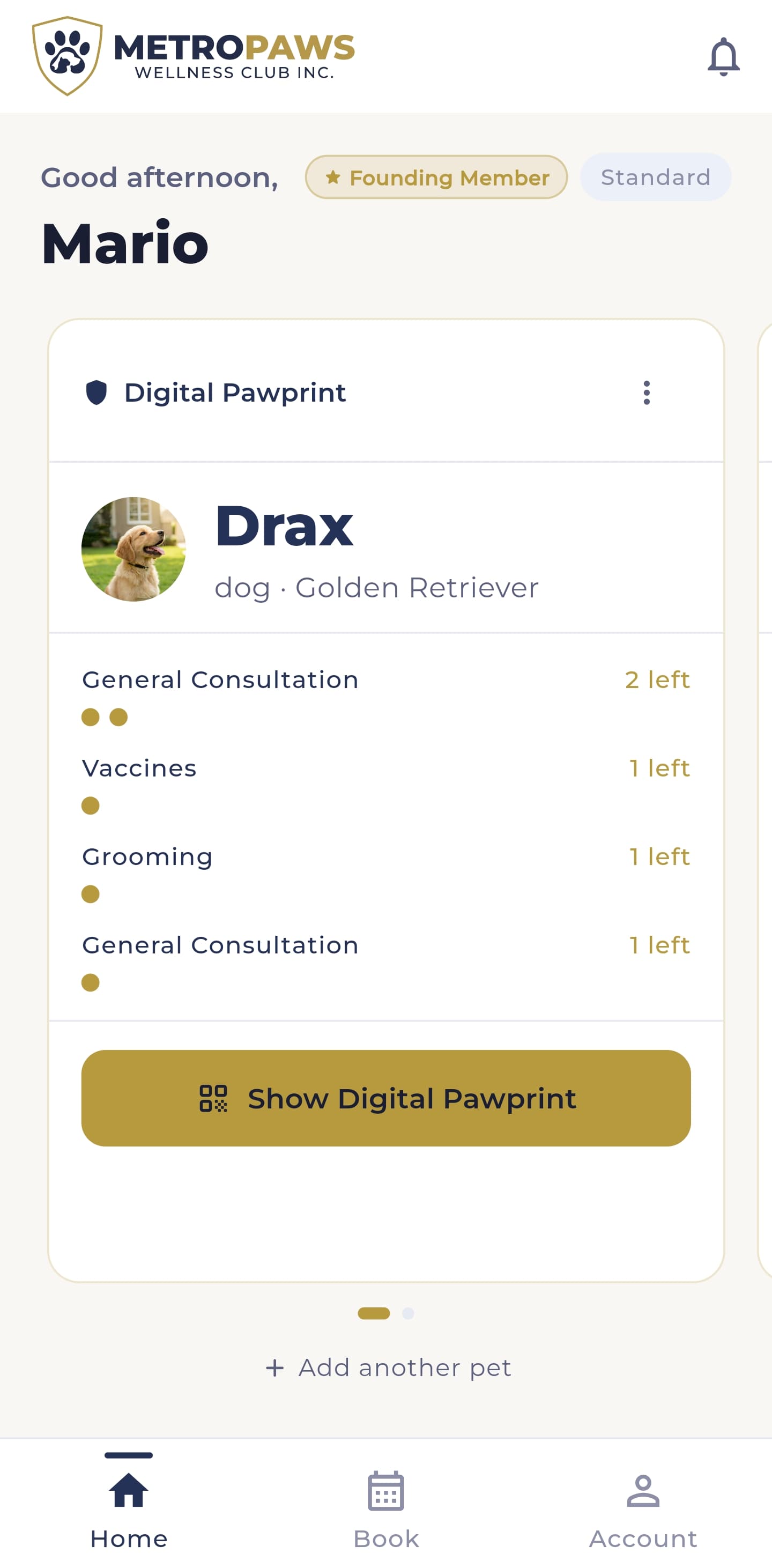
Install MetroPaws on your Android phone to carry your pet's QR ID, Digital Pet Passport, wellness benefits, and PawPoints everywhere. Setup takes just a few minutes.
iPhone version coming soon · Google Play listing in review
On a computer? Scan to open this page on your phone.
How to install
Up and running in four steps
Installing directly is a little different from the Play Store — here's exactly what to tap. It only takes a minute.
- Step 1
Download the APK
Tap the download button above. The MetroPaws app file (.apk) saves to your phone — it's about the size of any normal app.
- Step 2
Open the file
Tap the download when it finishes — from your notification bar, or in your Downloads folder / Files app.
- Step 3
Allow "this source" once
Android asks permission the first time. Tap Settings, switch on "Allow from this source," then go back — you only do this once.
- Step 4
Tap Install
If Play Protect shows a notice, tap "Install anyway" or "More details → Install." This is our official app — the notice is just standard for apps outside the Play Store.
That's it — open MetroPaws and sign in with the member account you registered on this website. Your pets and benefits are waiting.
Good to know
Is this safe? Yes.
- Is this safe to install?
- Yes. This is the official MetroPaws app, delivered directly from us while Google finishes reviewing our Play Store listing. The same app will appear on Google Play soon.
- Why does my phone show a warning?
- Android shows a standard caution for any app installed outside the Play Store — it appears for every app delivered this way, not because anything is wrong. Tapping "Install anyway" is expected here.
- Will it update automatically?
- Not yet — for now, come back to this page to download the newest version when we let you know one is ready. Once we're live on Google Play, updates will be automatic.
- I have an iPhone — can I install it?
- Not yet. The iPhone version is on the way. In the meantime you can use everything on the website with your member account.
Stuck on any step? We'll walk you through it.